Editor Guide
The editor window consists of four components:
- The header at the top, containing the deploy button, main menu, and, if user authentication is enabled, the user menu.
- The palette on the left, containing the nodes available to use.
- The main workspace in the middle, where flows are created.
- The sidebar on the right.
Follow the links above to learn more about each component.
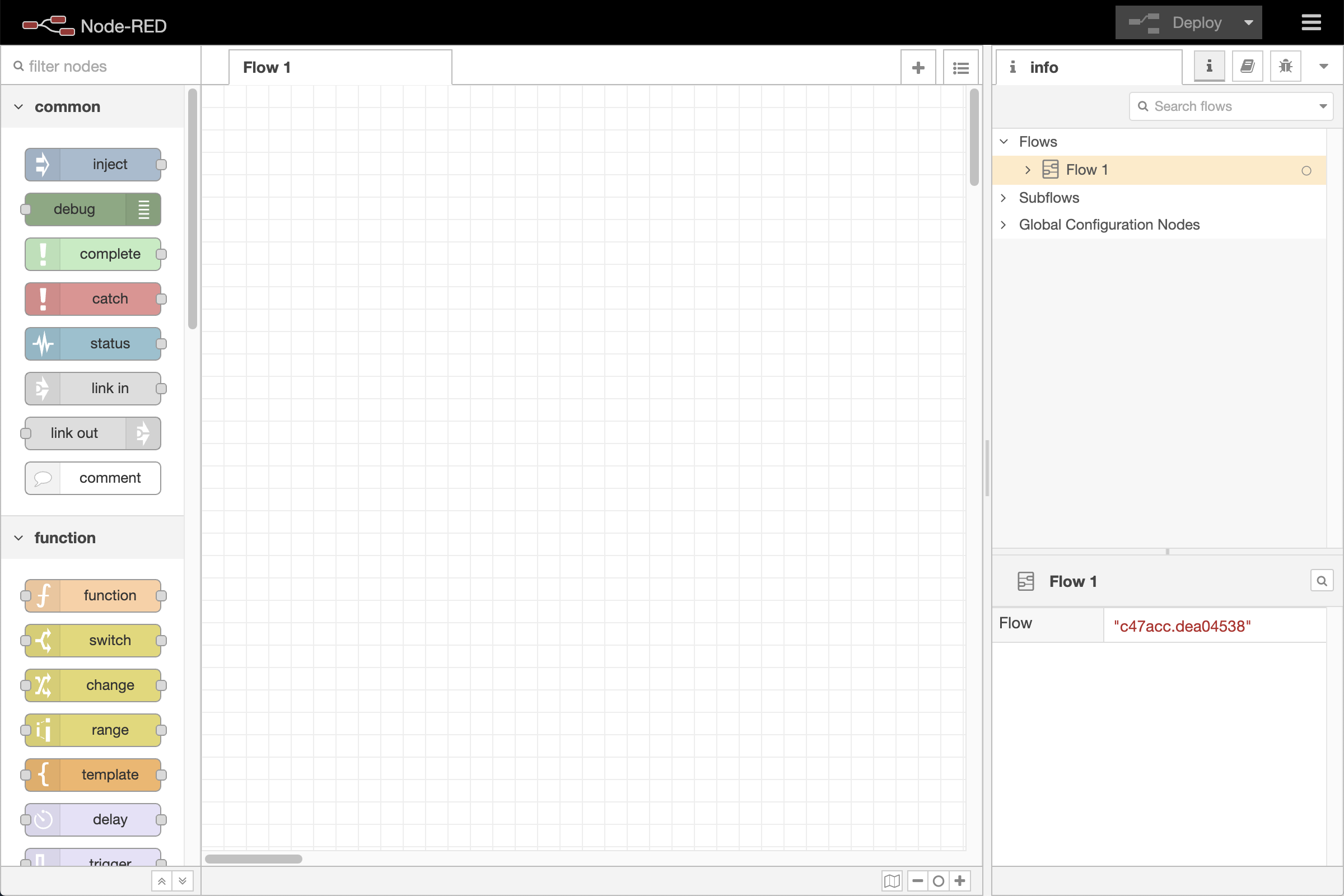
Editor window

Editor components