CyberFlow
Sidebar: Configuration nodes
The Configuration nodes sidebar provides a list of all config nodes, organised by their scope.
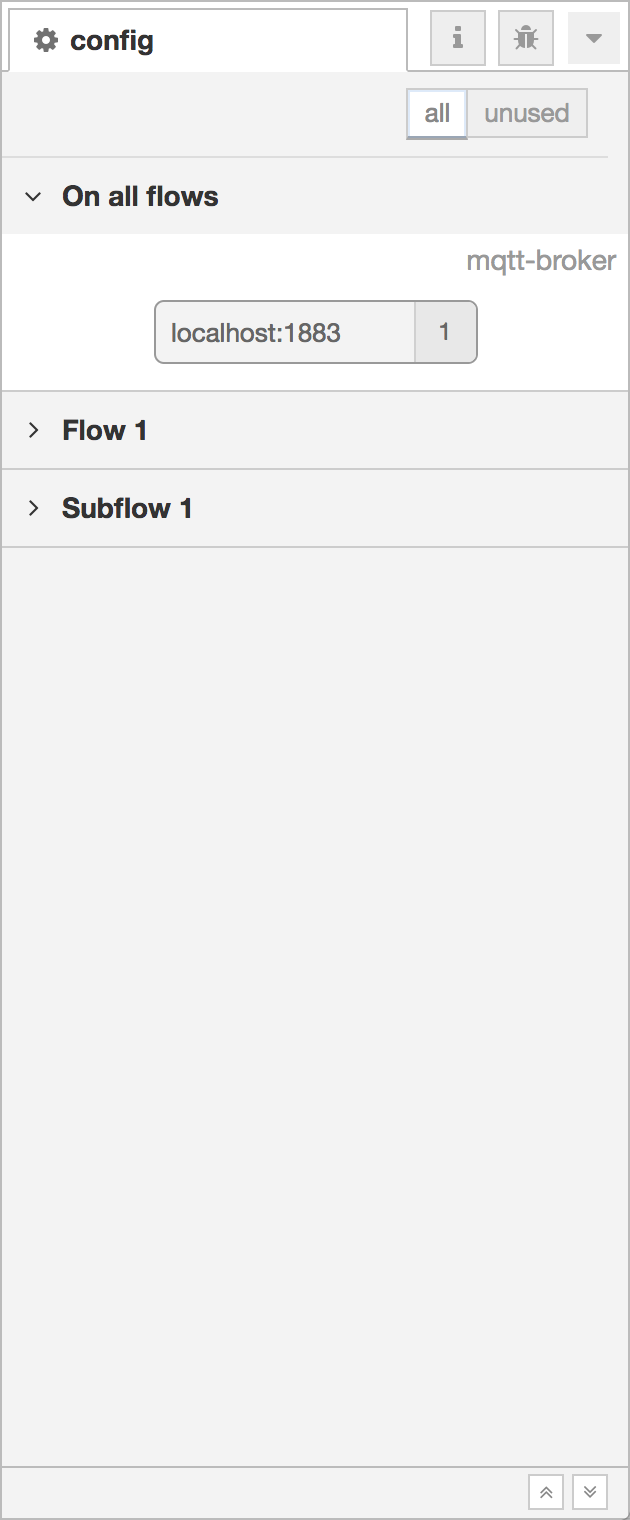
Configuration nodes Sidebar
Each node shows its type and label, along with a count of how many regular flow nodes currently use that config node.
If the config node is unused, it is shown with a dotted outline. The view can also be filtered to show just the unused nodes by selecting the ‘unused’ filter in the header.
A config node’s edit dialog can be opened by double clicking on the node.
| Reference | |
|---|---|
| Action | core:show-config-tab |
| Key shortcut | Ctrl/⌘-g c |
Video walkthrough placeholder
Add an embedded walkthrough for this section by inserting an <iframe> or <video> element and applying the is-visible class to this container.