CyberFlow
Editor Guide
The editor window consists of four components:
- The header at the top, containing the deploy button, main menu, and, if user authentication is enabled, the user menu.
- The palette on the left, containing the nodes available to use.
- The main workspace in the middle, where flows are created.
- The sidebar on the right.
Follow the links above to learn more about each component.
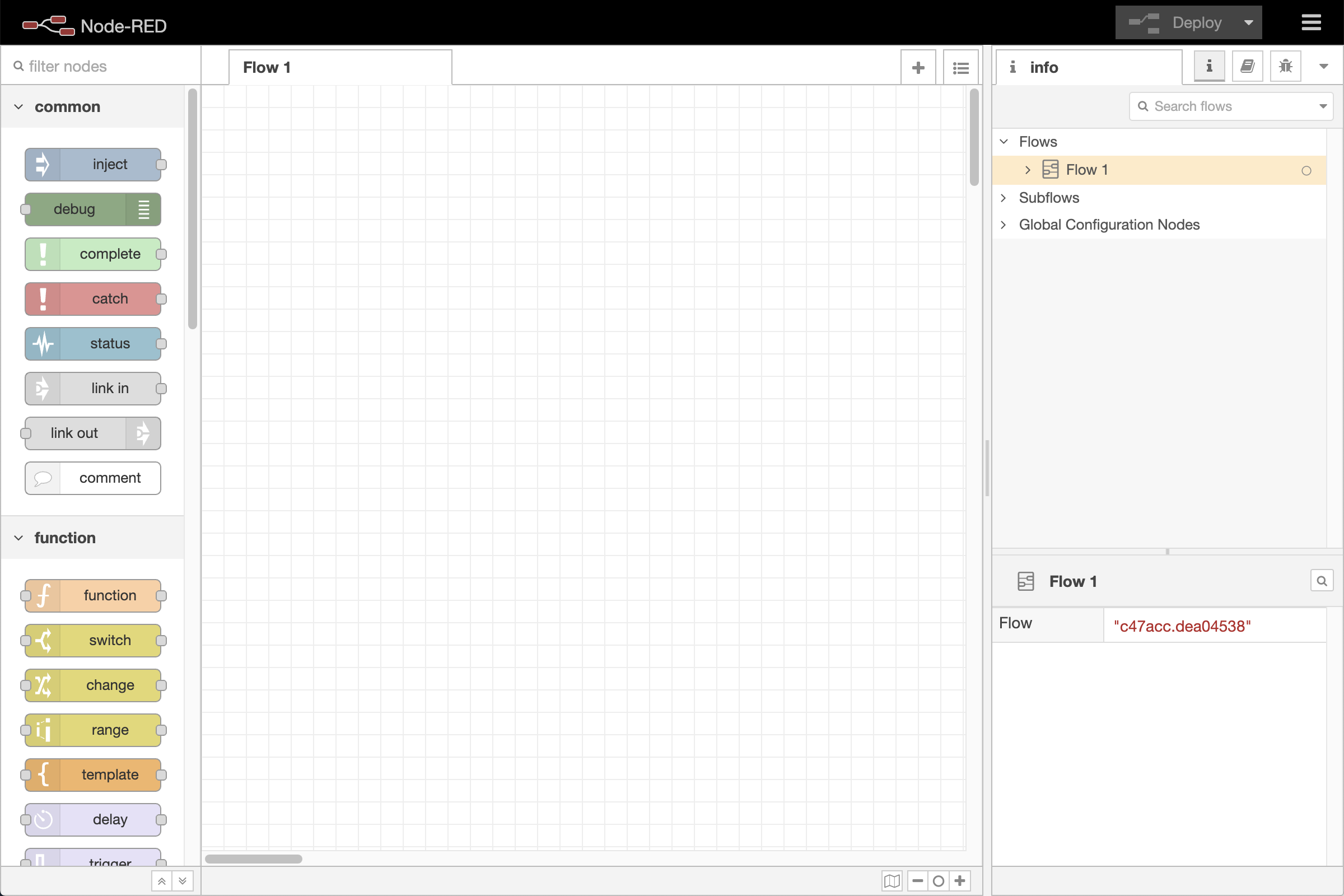
Editor window
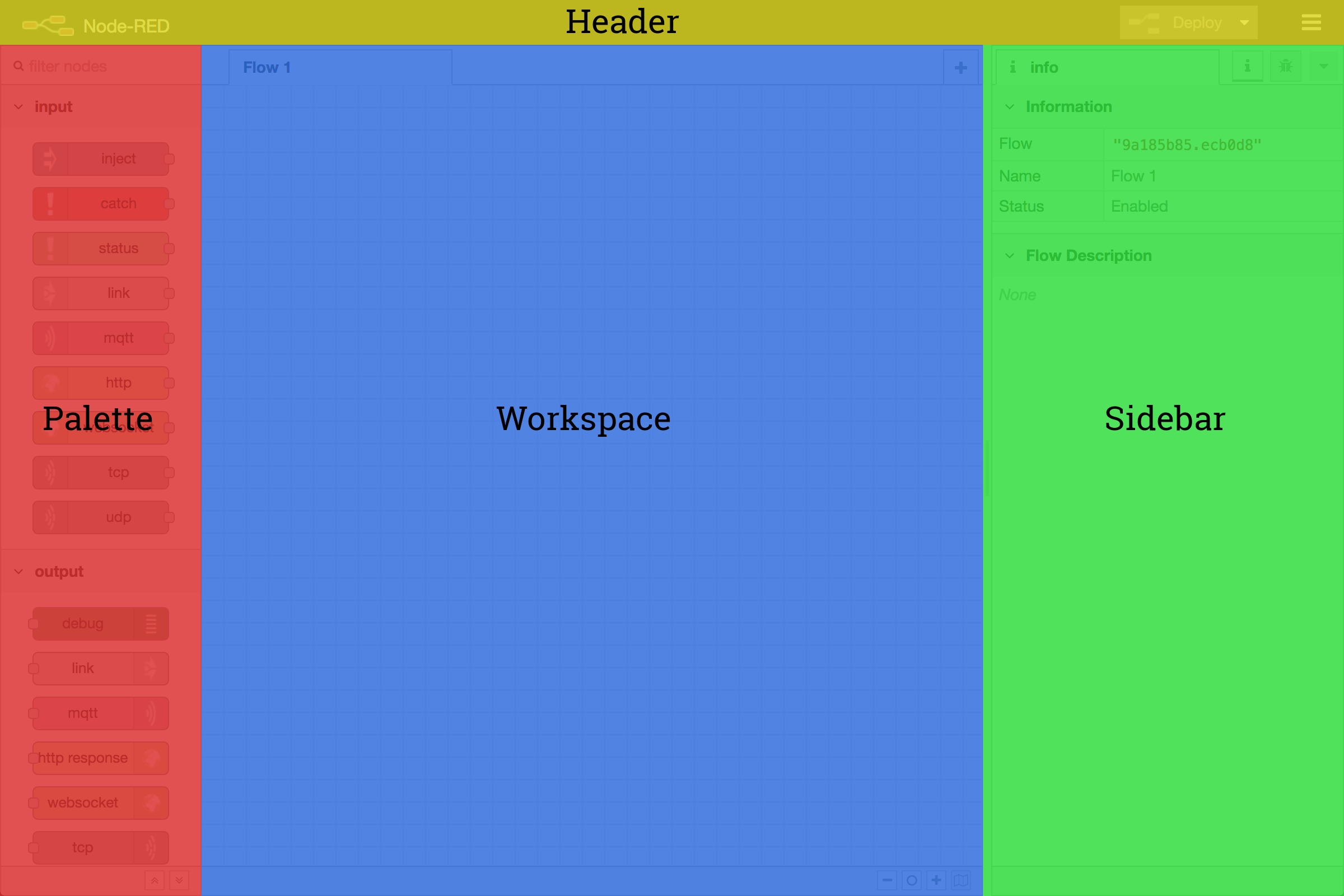
Editor components
Video walkthrough placeholder
Add an embedded walkthrough for this section by inserting an <iframe> or <video> element and applying the is-visible class to this container.