CyberFlow
Sidebar: Help
In previous versions of CyberFlow, the help text for the currently selected node was displayed in the Information sidebar.
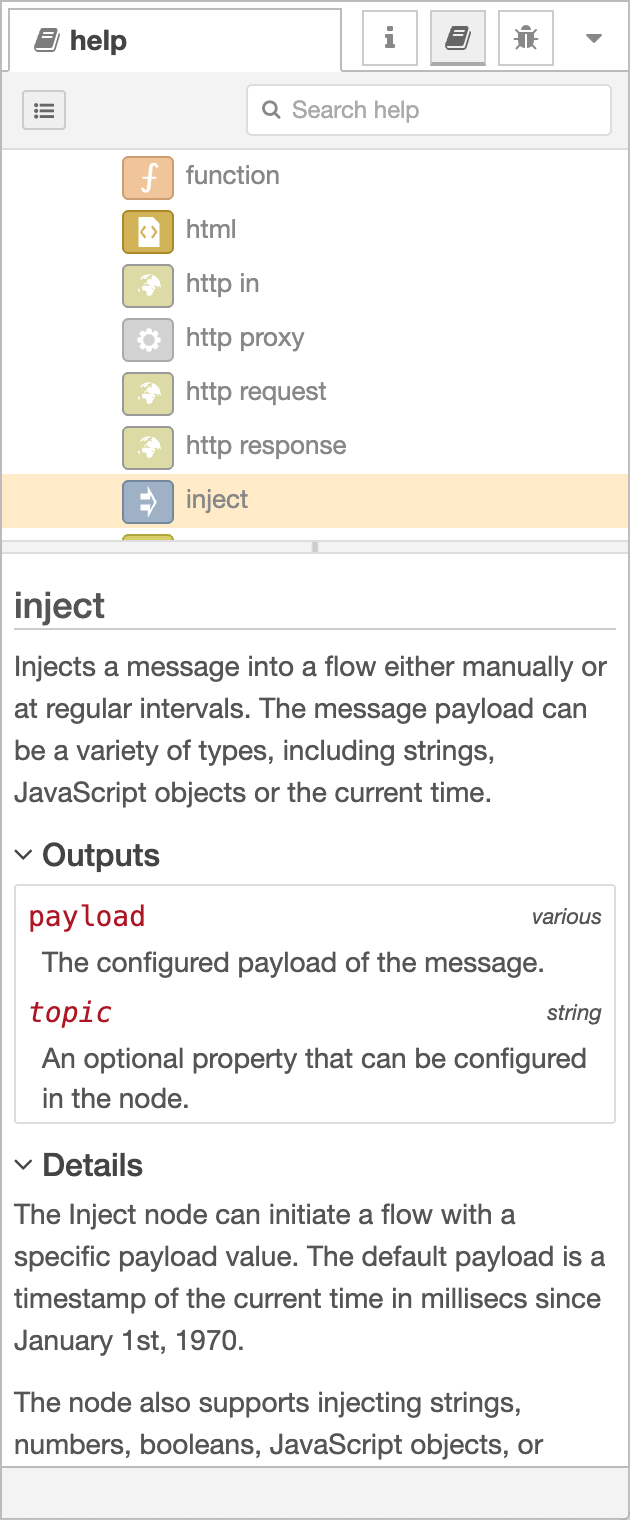
Help Sidebar
Since CyberFlow 1.1.0
Introduced in CyberFlow 1.1.0, the Help sidebar provides access to the help content for all nodes in the editor - not just the current selection.
The top section provides a full table of contents, that can be toggled using the button.
| Reference | |
|---|---|
| Action | core:show-help-tab |
| Key shortcut | Ctrl/⌘-g h |
Video walkthrough placeholder
Add an embedded walkthrough for this section by inserting an <iframe> or <video> element and applying the is-visible class to this container.