CyberFlow
Searching flows
The Search dialog can be used to find nodes within the workspace, including configuration nodes.
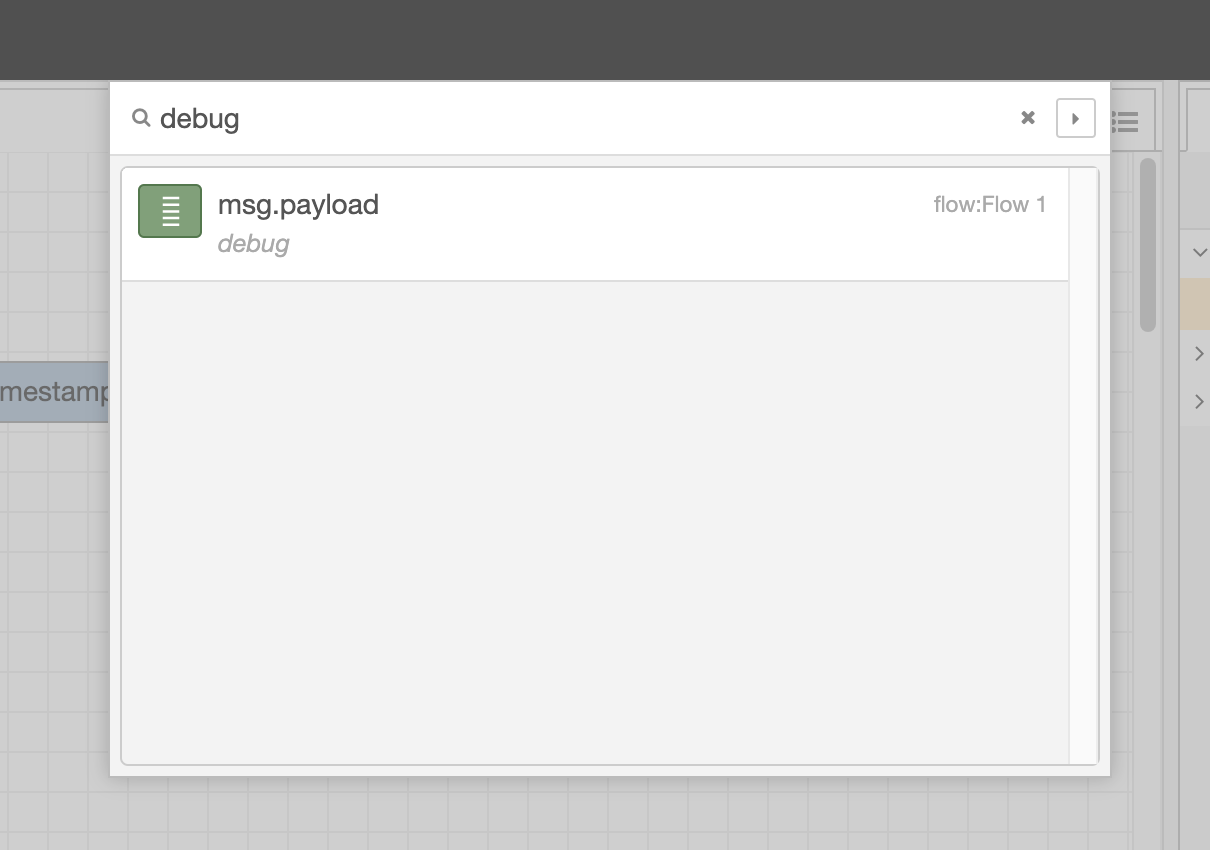
Search dialog
It indexes all properties of the nodes, so it can be used to search for a node by its id, type, name or any other property.
Selecting a node in the result list will reveal that node within the editor.
| Reference | |
|---|---|
| Key shortcut | Ctrl/⌘-f |
| Menu option | Search flows |
| Action | core:search |
Clicking the button will copy the current search over to the Information sidebar search.
Search syntax
The search supports a number additional filters to help narrow down the results.
| Filter | Description |
|---|---|
is:config |
Limits the results to Configuration nodes |
is:subflow |
Limits the results to Subflows |
is:unused |
Matches Configuration nodes or Subflows that are unused |
is:invalid |
Matches nodes that contain configuration errors |
uses:<config-node-id> |
Limits the results to nodes that depend on the specific configuration node |
Video walkthrough placeholder
Add an embedded walkthrough for this section by inserting an <iframe> or <video> element and applying the is-visible class to this container.