DataHelix AI Assistant
DataHelix AI Assistant
The DataHelix AI Assistant provides a conversational interface for guided security analysis. It can be used to request research, interpret entities, ask follow-up questions and review AI-generated output in a structured, readable form.
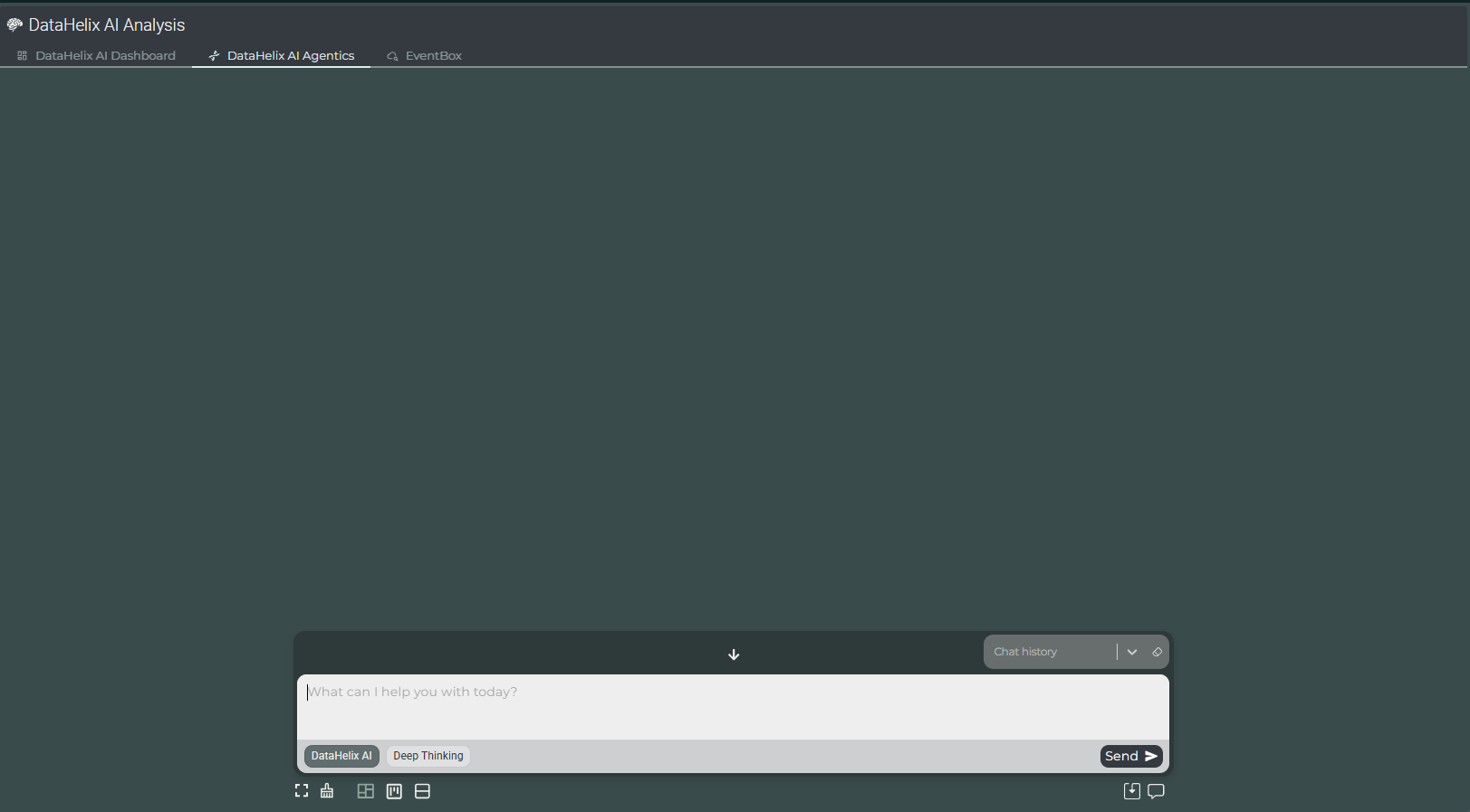
Assistant Interface
The assistant is designed to be approachable and task-focused. Users can enter a question or analytical prompt in the input area, submit it directly, and review the resulting output in the main workspace above. The interface supports both a blank starting point and ongoing conversation through the available chat history controls.
Prompt-driven analysis
Analysts can ask direct questions, request research or explore a specific indicator or entity in natural language.
Conversation continuity
Chat history controls support an iterative style of investigation, allowing follow-up questions and refinement.
Mode selection
The available assistant modes help users choose the type of reasoning or depth of analysis they want to apply.
Integrated workspace
The assistant sits alongside analytical views so that users can combine conversational guidance with the wider DataHelix AI context.
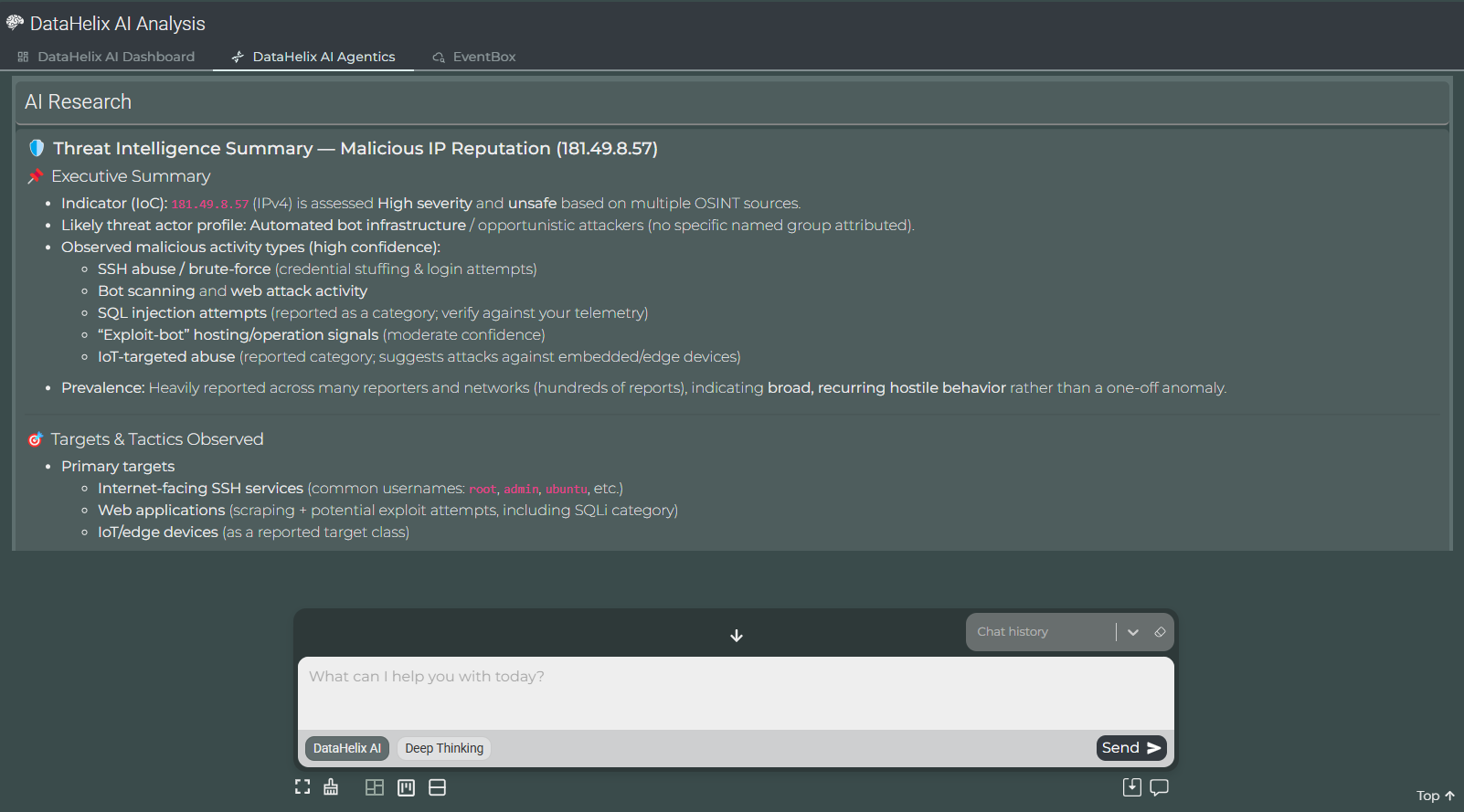
Structured Research Output
Responses from the assistant are presented in a structured format that is intended to be readable and operationally useful. Rather than returning an unstructured narrative only, the assistant can organise findings into clear headings and concise analytical points.
Executive summary
Use the summary section to understand the overall assessment quickly before moving on to the supporting details.
Targets and tactics
The assistant can highlight likely targets, recurring behaviours and notable tactics so that users can interpret relevance more quickly.
Indicator context
When the prompt relates to a specific indicator, the output can bring together its assessed severity, supporting evidence and broader context.
Follow-up investigation
Responses can be used as a basis for follow-up questions, further validation and additional review within EventBox or other SOCAutomation components.
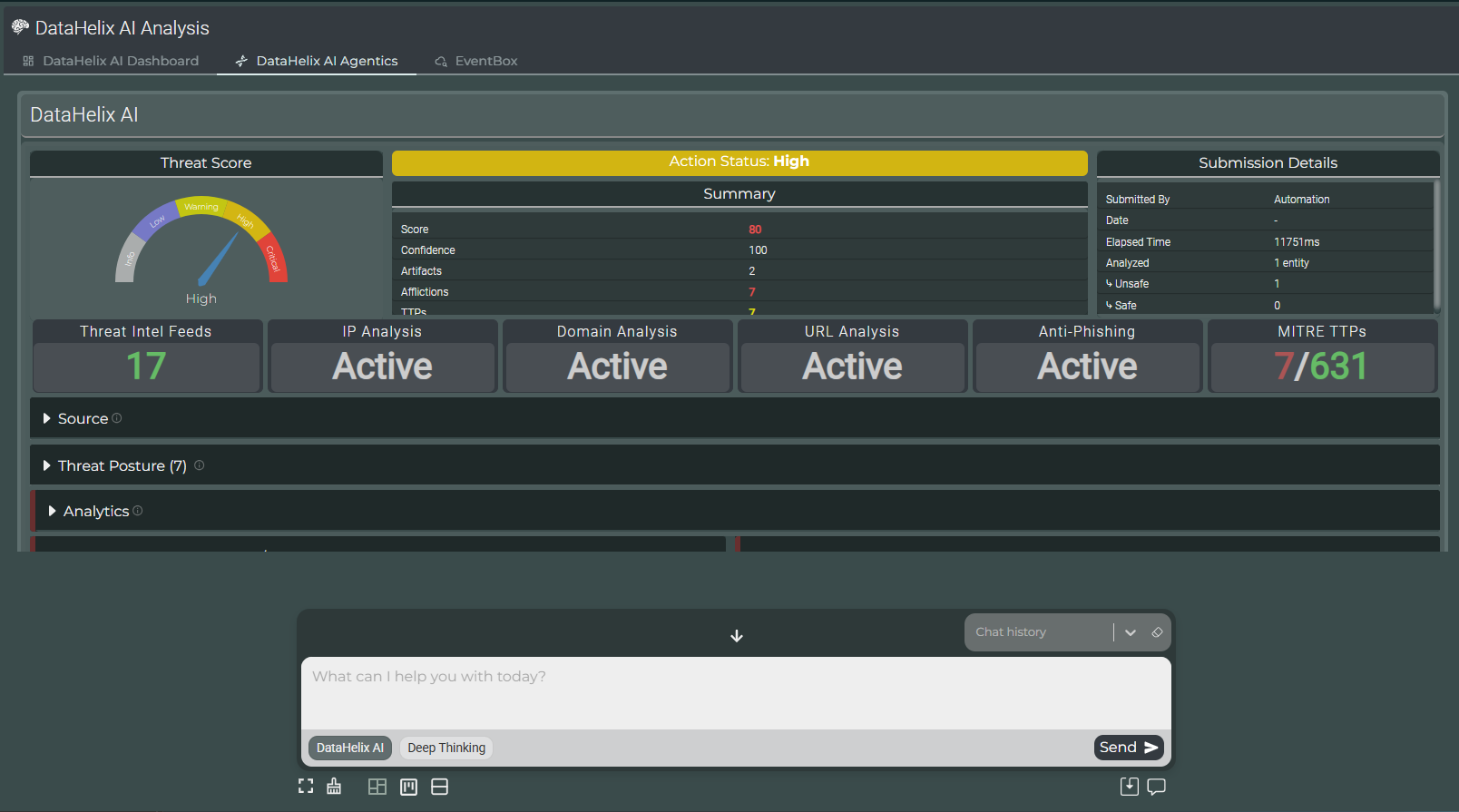
Assistant in Context
In practice, the assistant is most useful when combined with the rest of the DataHelix AI application. Analysts can review the structured analytical context, then use the assistant to ask clarifying questions, explore the meaning of a result or request deeper explanation of what the platform has surfaced.
Video walkthrough placeholder
Add an embedded walkthrough for this section by inserting an <iframe> or <video> element and applying the is-visible class to this container.