CyberFlow
Sidebar
The sidebar contains panels that provide a number of useful tools within the editor.
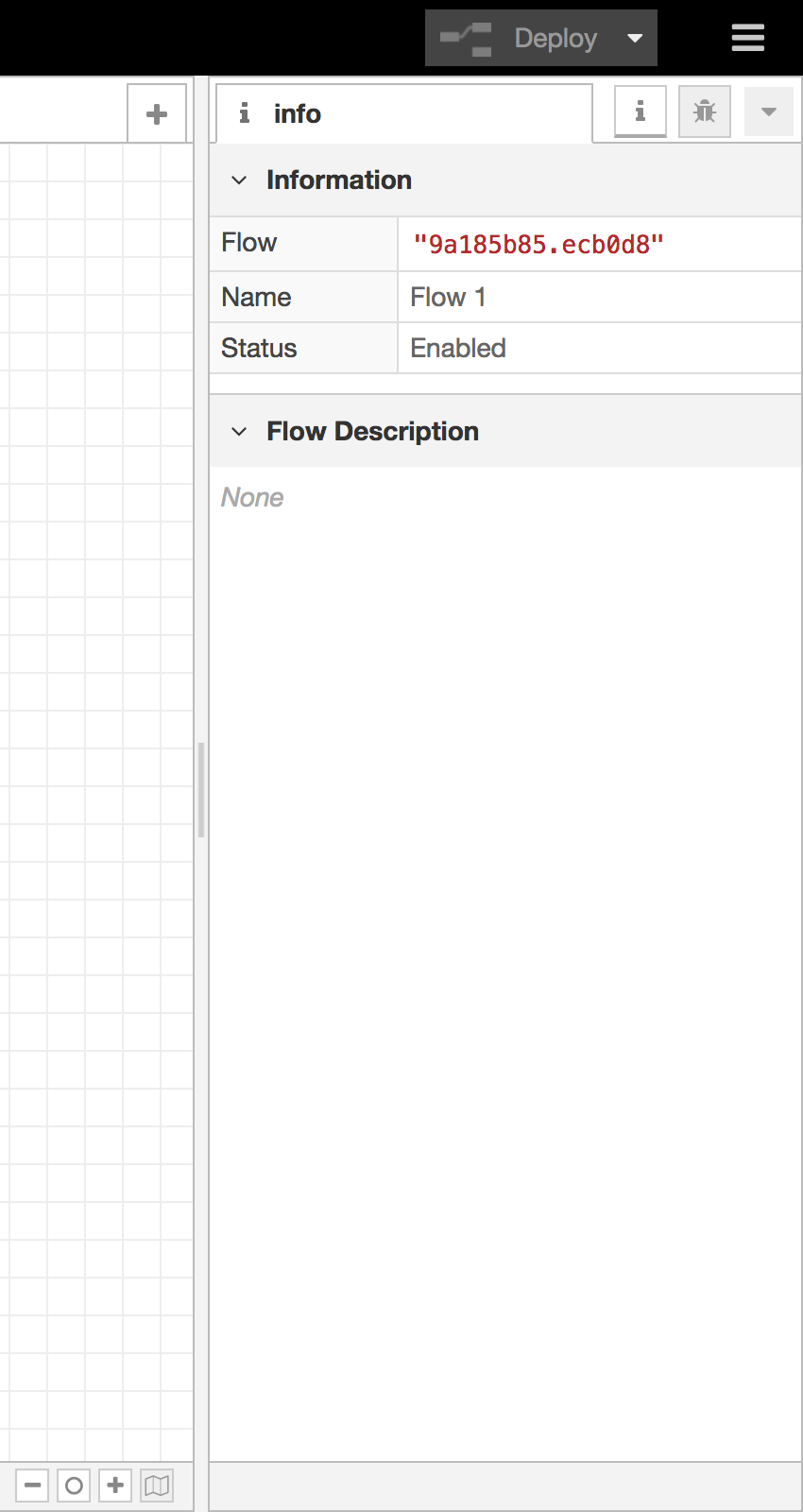
Editor Sidebar
- Information - view information about nodes and their help
- Debug - view messages passed to Debug nodes
- Configuration Nodes - manage configuration nodes
- Context data - view the contents of context
Some nodes contribute their own sidebar panels, such as CyberFlow-dashboard.
The panels are opened by clicking their icon in the header of the sidebar, or by selecting them in the drop-down list shown by clicking the button.
The sidebar can be resized by dragging its edge across the workspace.
If the edge is dragged close to the right-hand edge, the sidebar will be hidden.
It can be shown again by selecting the ‘Show sidebar’ option in the View menu,
or using the Ctrl/⌘-Space shortcut.
| Reference | |
|---|---|
| Key shortcut | Ctrl/⌘-Space |
| Menu option | View -> Show sidebar |
| Action | core:toggle-sidebar |
Video walkthrough placeholder
Add an embedded walkthrough for this section by inserting an <iframe> or <video> element and applying the is-visible class to this container.